Add your face
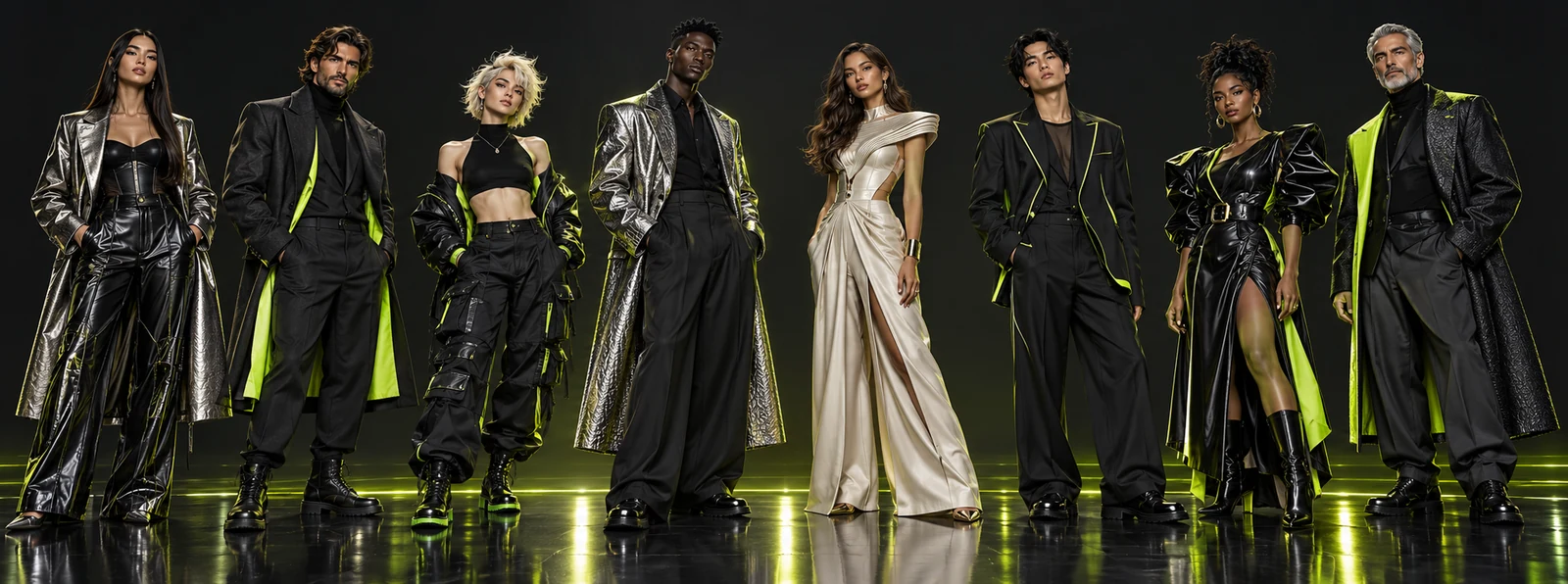
 Average
 Bold
Bold Extreme
1
Create your influencer
Add your face if you like. Get portrait and full-body shots on white
Create your AI influencer - any look. Pick or upload a motion. Genjutsu brings it to life, frame for frame
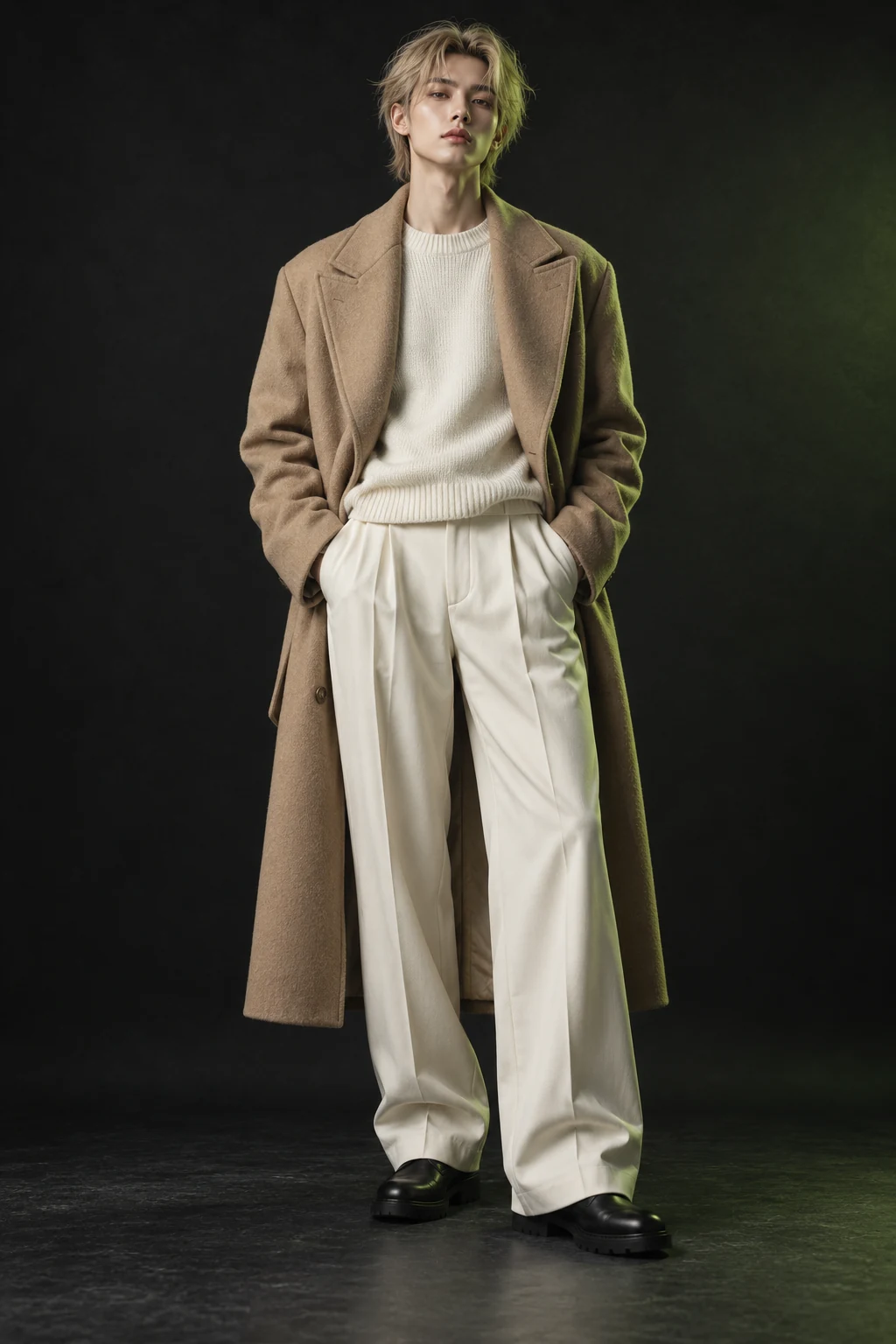 AverageBold✓Extreme
 AverageBoldExtreme
Add your face if you like. Get portrait and full-body shots on white
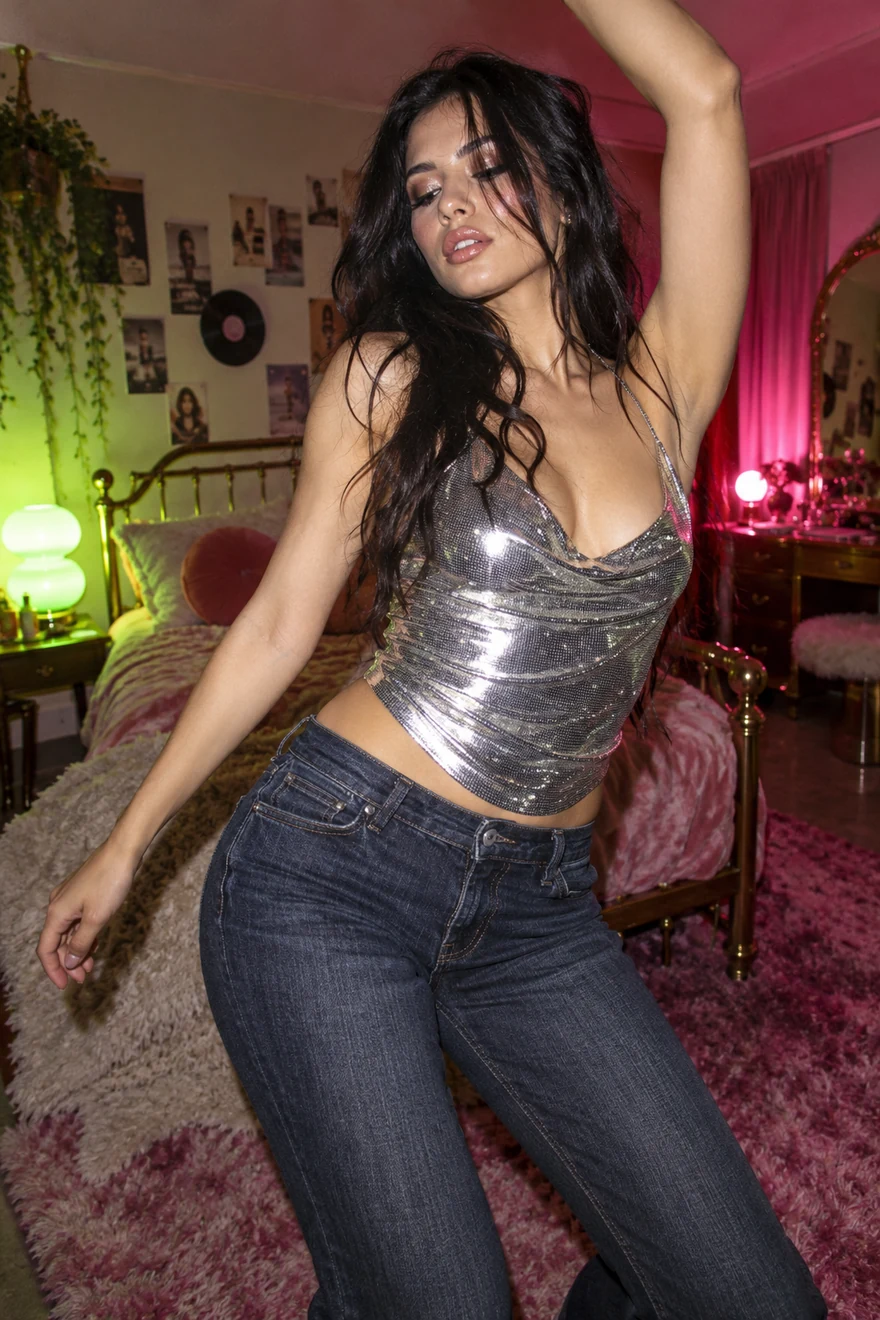
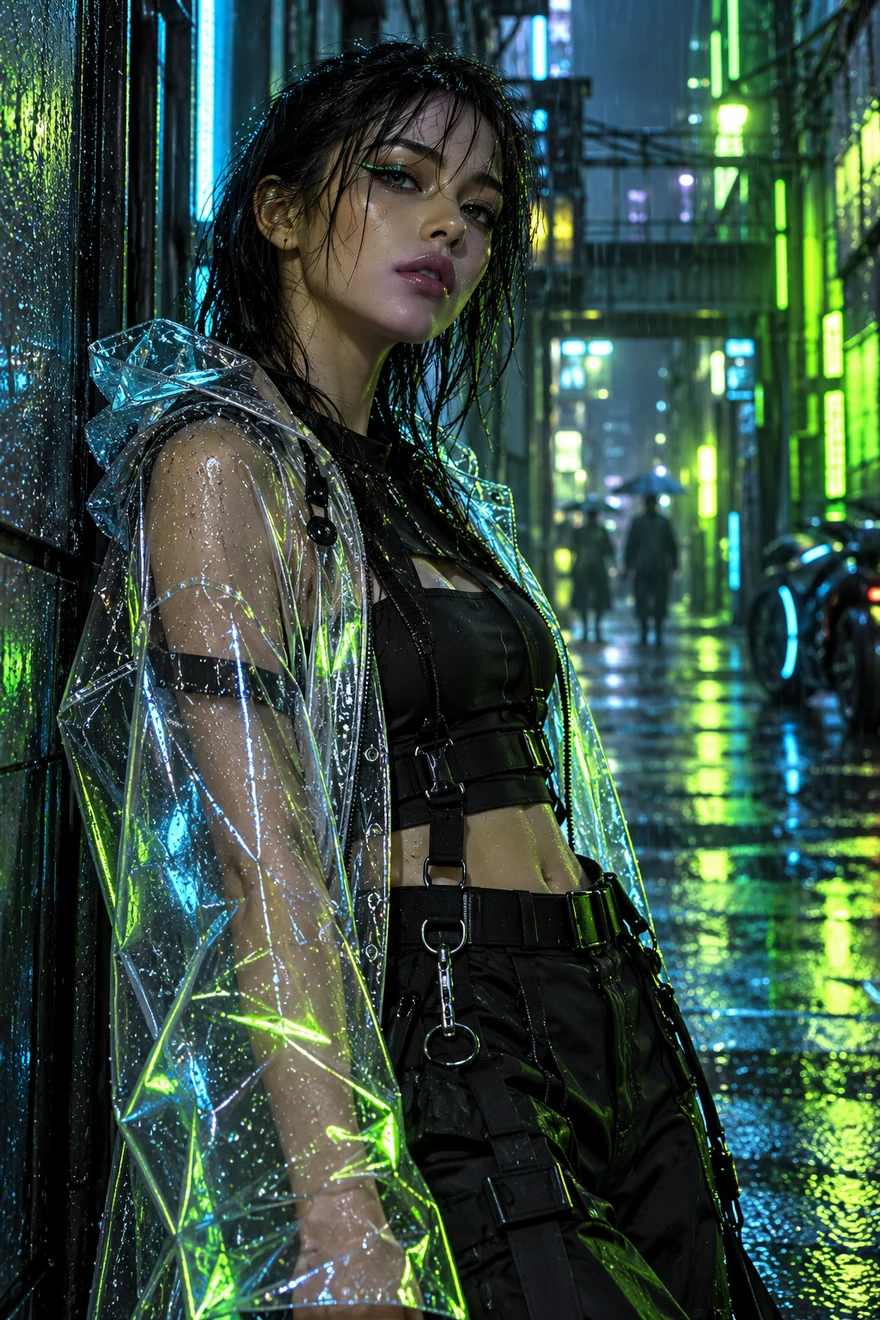
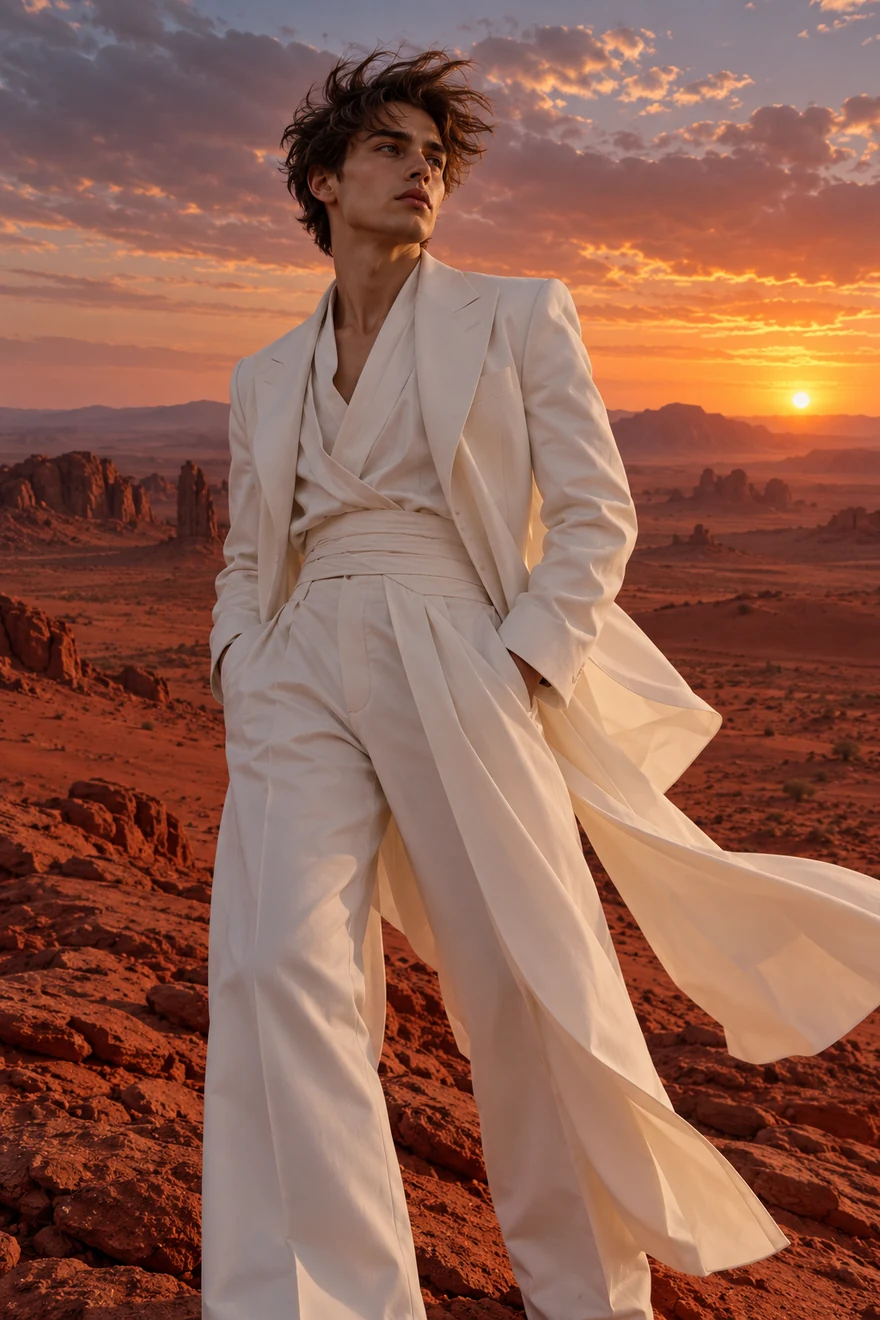
Pick a motion or upload a 3–30-second video. Movement, camera, timing
Click “Generate” and download a ready-to-post video to dominate social media
A character with range. Create the face, borrow the motion, then change the world around them without losing a single frame.
 Create anyone
Start with your photo or create someone new. Make every detail yours
Pick a trend or upload a clip. Your influencer makes every move
Use trend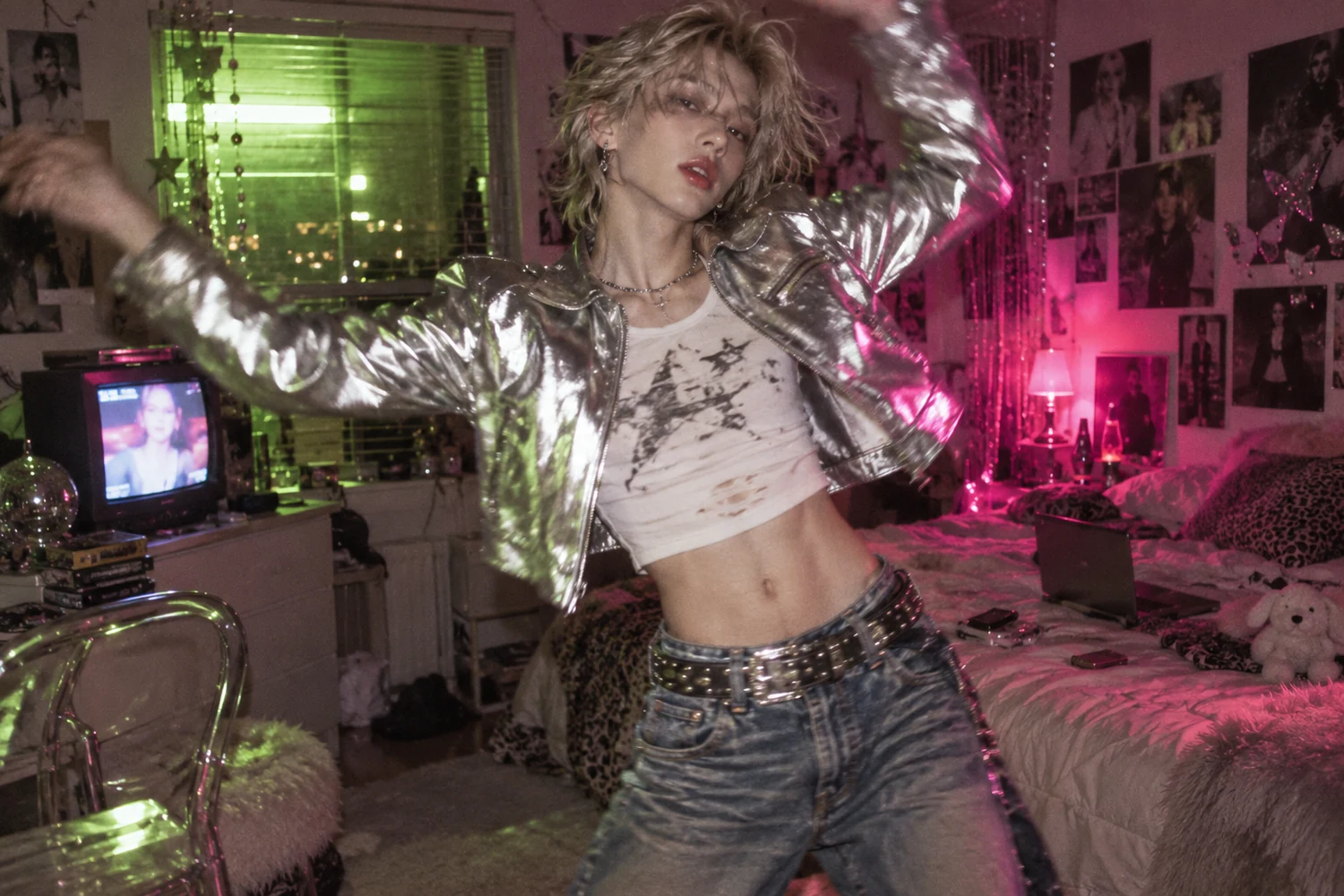
 01
01 02
02 03
03Swap outfits, products or locations. Keep the motion and camera intact
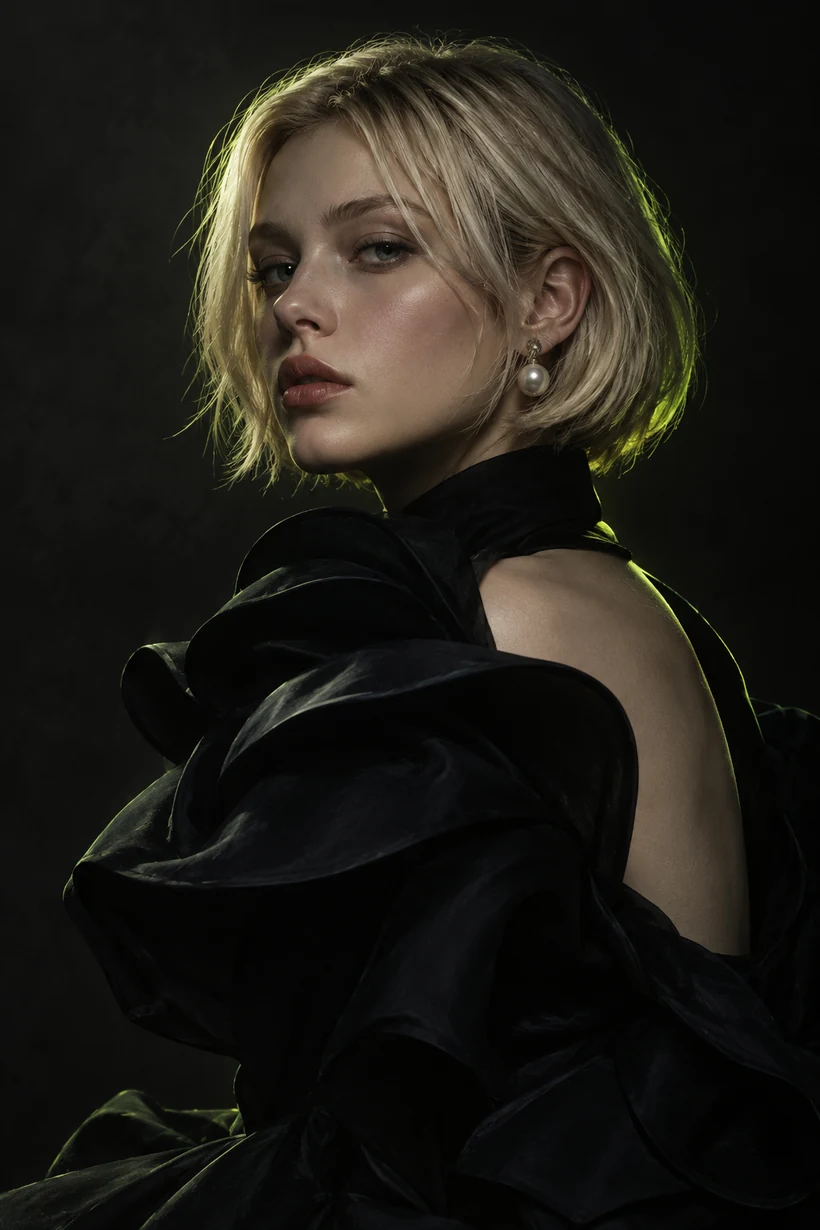
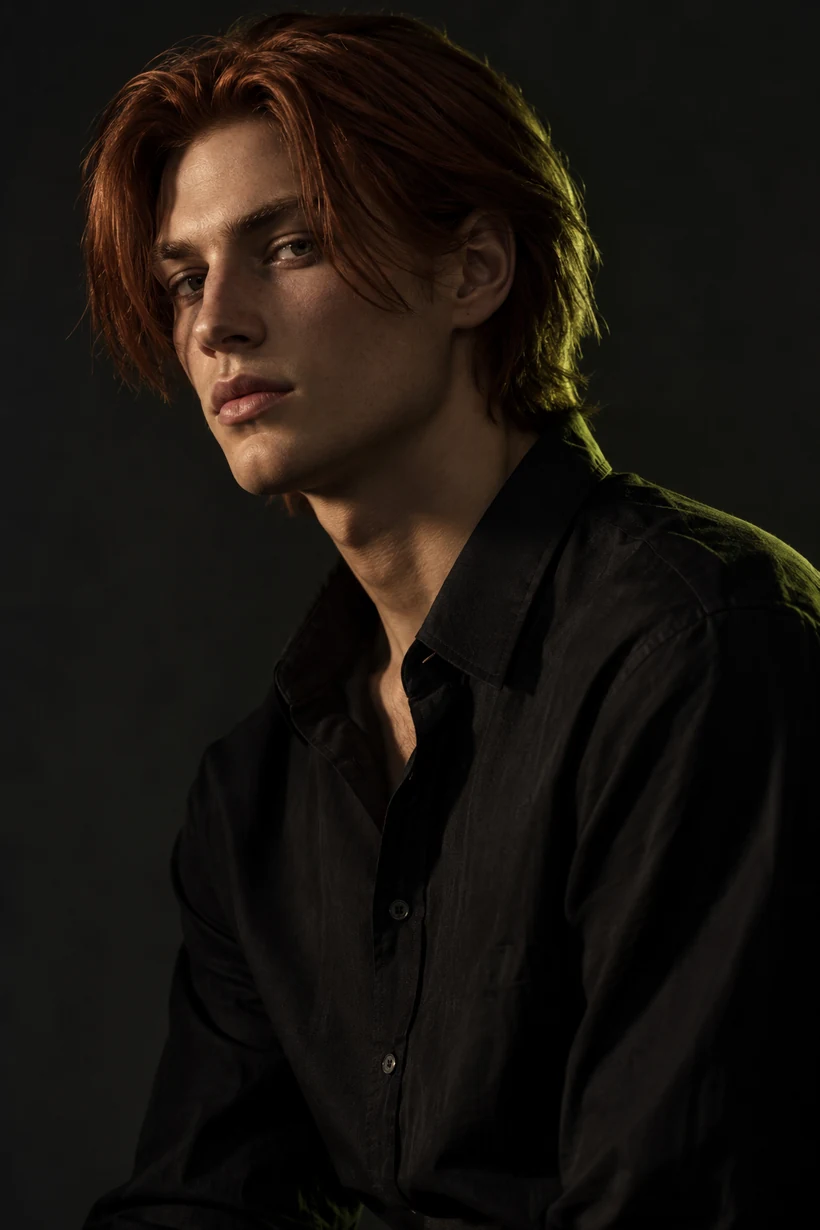
Ask ChatGPT. Pick the look. Make hype.
Join a global creative network where people generate AI images, share ideas, and inspire each other every day.
I've been using Higgsfield for my creative work for a while now and, honestly, it's one of the best platforms out there - the tools are powerful and the results speak for themselves. But what made me write this was the support. I had a question about my credits, and Tim handled everything with a transparency and care you rarely see.
Im a new customer of Higgsfield and enjoying it! I'm making some cool videos. I look forward to the advances on the platform! Oh, the support service is excellent!
Higgsfield A.I. has been the best and most exciting tool I've used since I first started editing back in 2008! I still can't believe we live in a time where we can type a sentence; prompt, on one end and get a blockbuster video that comes out on the other end! The site can feel overwhelming at times, but in a good way.
I am an Indonesian content creator based on my experience, I feel helped by the presence of this AI Agent higgsfield I say honestly and swear also thank you.. Because AI Agent Higgsfield has helped a lot, especially for creators in the form of our full support to create. In addition to this support, there are many other supports that are very helpful, especially the Higgsfield team
What Higgsfield is doing really well is making high-quality AI creation feel smooth, fast, and inspiring. I also appreciate how the company supports its creative community and gives artists the freedom to experiment, grow, and push visual storytelling to the next level.
The user interface (UI) is highly intuitive and beginner-friendly. Additionally, the cloud rendering speed for generating both images and videos is exceptionally fast, and the AI tools menu is very well-organized. I have completed numerous projects using Higgsfield, and every single one of them turned out perfectly.

For a long time, I have seen it as a useful and well-optimized tool, designed to help creators in the best possible way. I like that it constantly introduces updates and interesting features that improve the experience. That is why it has always been a platform that has caught my attention and that I have enjoyed using compared to others.
Honestly one of the best AI creative platforms out there. The credit pricing is surprisingly affordable compared to similar platforms, and what impresses me most is how consistently they keep shipping new features. You can tell the team actually listens and keeps pushing the product forward.
The Most Powerful AI Creative Platform for Creators. What impressed me the most is the level of support around the creator program. The team is helpful, professional, and always there when you need assistance or have questions. It really feels like they care about creators and want to help them grow.
Get access to more generations and priority access to new features
For first-time AI content creators
per month, billed monthly
What’s included
For consistent AI content creation
per month, billed monthly
Everything in Starter, plus
For creators building ambitious AI projects
per month, billed monthly
Everything in Plus, plus
Prices exclude VAT and local taxes, calculated at checkout. Unlimited usage may be subject to dynamic speed adjustments during high-traffic periods.
Access to new models and advanced features may be done on a rolling basis and not available to all users at launch.
We’ve answered the most frequently asked questions
A character builder plus a video engine. You describe a person with settings — gender, character type, ethnicity, age, skin, body and face details — generate them as a portrait and full-body pair, then make them perform any motion from a trending preset or your own reference video.
Yes. Sign up and you get free credits to create your first influencer and run a video. In ChatGPT, the Higgsfield AI Influencer extension is also free to try — no card needed to start.
Yes. Add one photo in "Add your face" and the builder keeps your identity while you change everything else — age, body, hair, wardrobe. It's optional: without a photo, you get a new person from your picked settings or from Randomise.
Seven gender options, nine character types (human, mammal, reptile and more), ethnicity, age, body type, and detailed skin and face features — from freckles, vitiligo and birthmarks to sharp teeth and a forked tongue. Or type a prompt if you prefer words to tiles.
No. Everything is tiles and toggles. The only text you might type is a one-sentence edit like "give her a buzz cut".
Open Edit and describe the change — "make the jaw twice as wide", "add the jacket from @denim-ref". Only what you asked for changes. You can also Regenerate with the same settings or use any character as a template for a new one.
A motion taken from a video that's performing well right now, curated by Higgsfield. Tap it, add your influencer, generate — your character performs the same move with the same camera. Collections are updated under Higgsfield Curated, Trending and New.
Yes. Upload any reference clip from 3 to 30 seconds. The movement, camera and timing are extracted frame for frame and your influencer performs it.
Up to 40 images per video, picked from Elements, Uploads, Generations or Liked. Output is 1080p.
Every video runs on Higgsfield Genjutsu. Motion transfer keeps the movement, camera and timing while your influencer performs it; object swap changes one named element — outfit, product, location, text — and leaves the rest untouched. "Use in Genjutsu" opens the full editor for deeper changes and batch variations.
One setup, many versions. Run the same shot with different outfits, products or locations, pick the one that works, and generate more of it.
Yes. Add the Higgsfield AI Influencer extension in ChatGPT, describe the look, pick a trending motion and get the video without leaving the chat. It's free to try.
Generations use Higgsfield credits. Creating or editing a character costs 1.12 credits; each video shows its cost before you run it. Plans add more credits and early access to new features.
Every character you generate lands in your library with the settings that made it. You can reuse it as a template, edit it, or drop it into any video later.